어떤 사진으로든 스텐실 만들기
사진을 업로드하면 자동으로 다층 스텐실로 변환됩니다. 자동 색상 분리와 스마트 브릿지로 잘라낼 때 떨어지는 부분이 없습니다.
신용카드 불필요
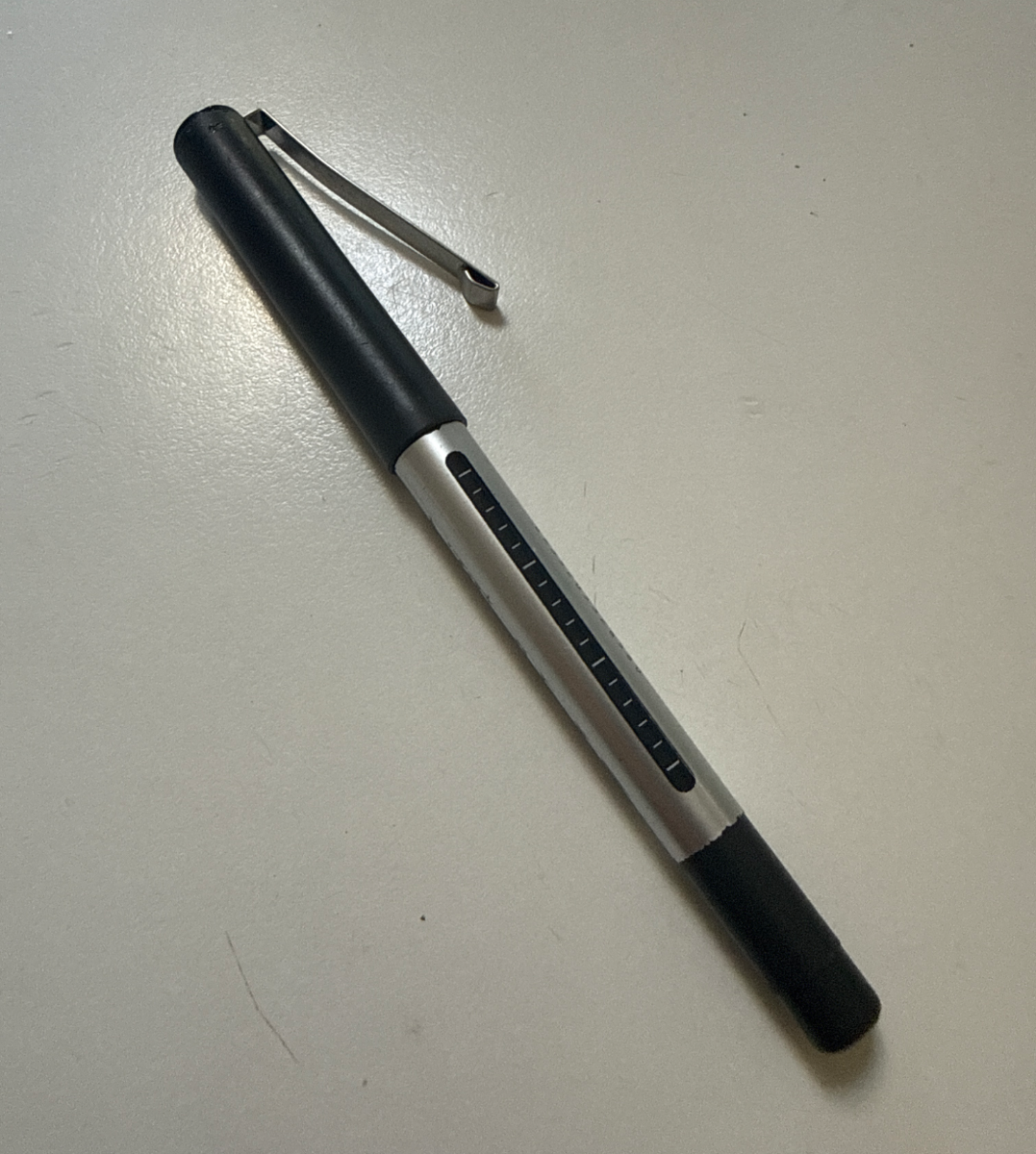
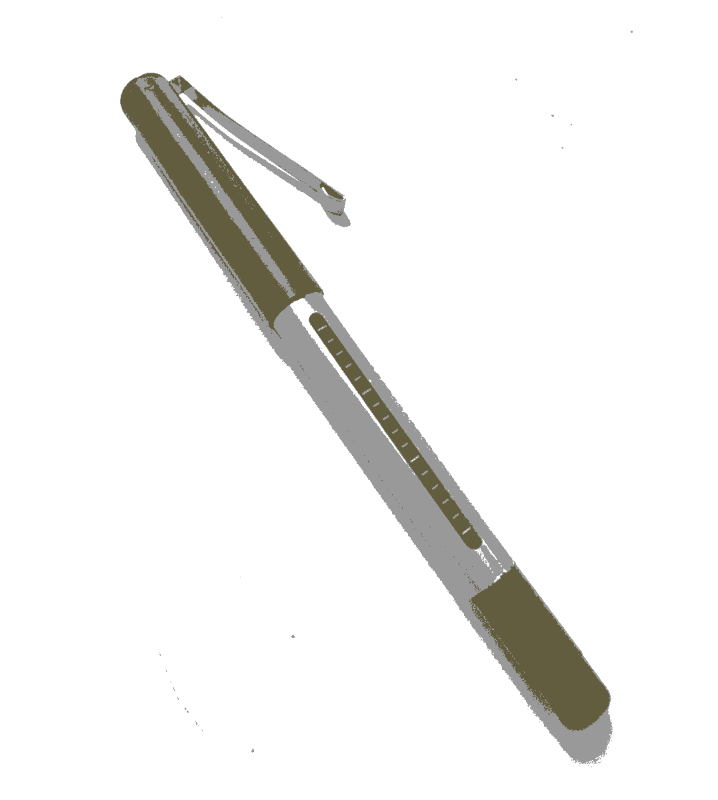
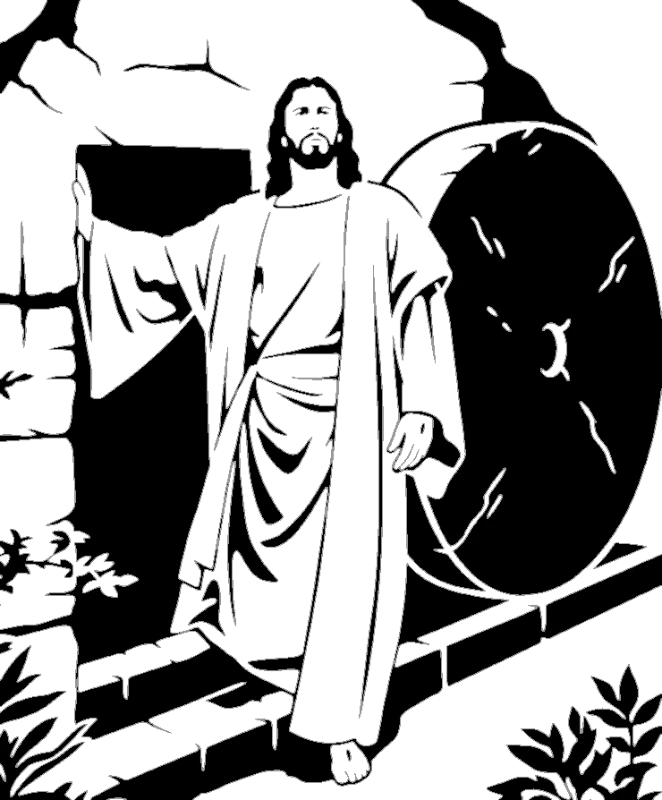
여기서 만든 스텐실
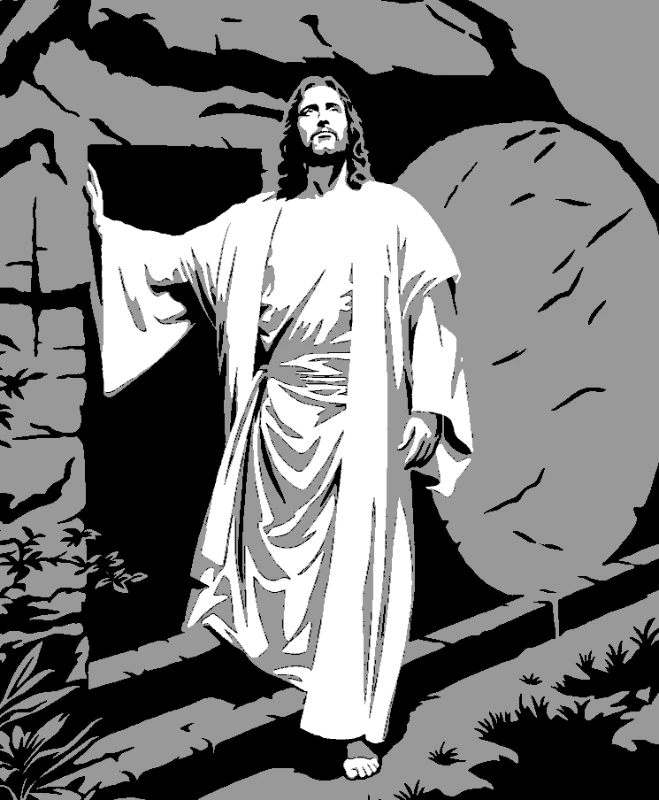
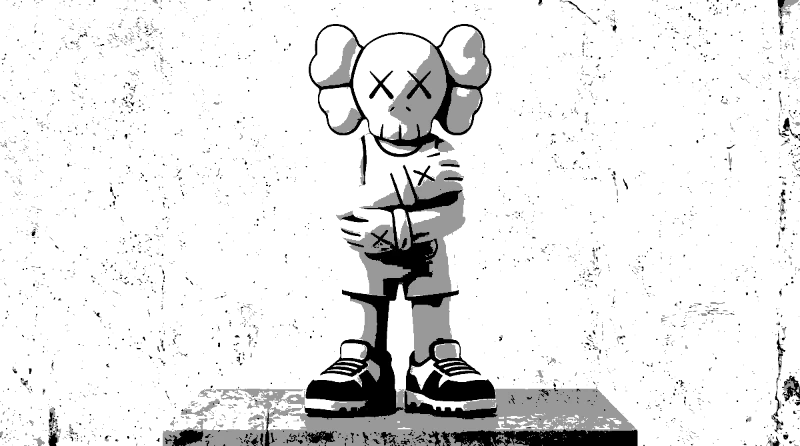
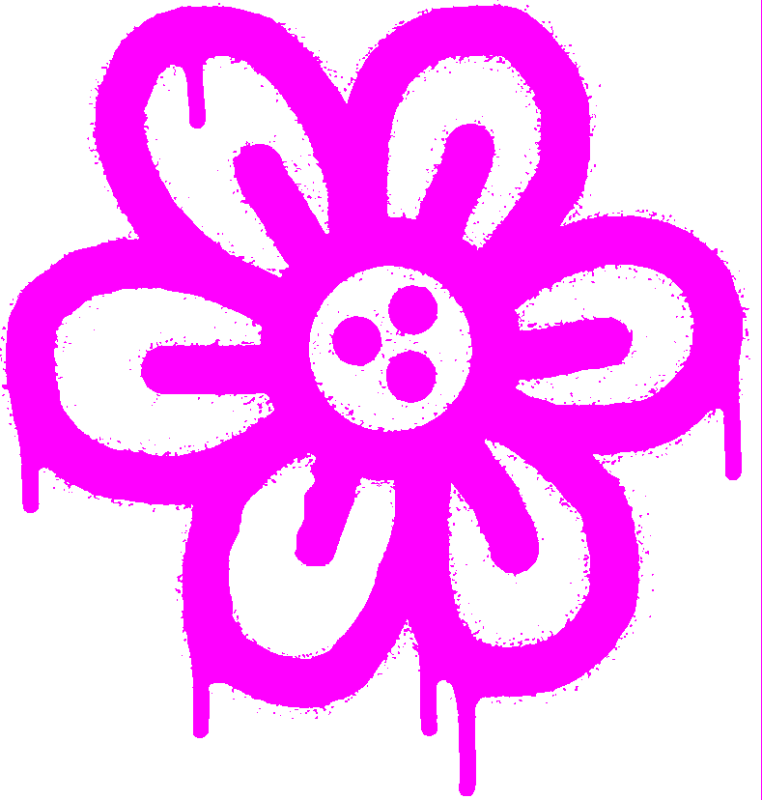
아티스트들이 우리 도구로 만든 실제 스텐실 — 초상화부터 풀컬러 벽화까지.
사진에서 스텐실까지 4단계
Upload Your Image
Drag and drop any photo. Our system automatically optimizes it for crisp stencil creation — portraits, pets, logos, anything.
Automatic Layer Separation
Watch your image instantly split into perfectly aligned stencil layers with smart threshold detection.
Fine-tune & Bridge
Use familiar Photoshop-style shortcuts to perfect your layers. Our bridge tool eliminates floating pieces in seconds.
Export & Cut
Download print-ready files with registration marks for perfect alignment. PNG, PDF, SVG, or DXF — your choice.
필요한 모든 기능
스텐실 제작을 어렵게 만드는 문제들을 해결했습니다. 떨어지는 조각 없음, 복잡한 레이어 없음, 학습 곡선 없음.
Smart Bridges
Never worry about floating pieces again.
- Instant island detection
- Quick bridge tool
- See problem spots instantly
Multi-Layer Magic
Handle complex designs with ease.
- Smart layer separation
- Perfect alignment marks
- Real-time preview
Familiar Shortcuts
If you know Photoshop, you're already home.
- Ctrl+Z to undo
- Space+Drag to pan
- E for quick bridges
Pro Exports
Every format you need, ready to cut.
- PNG, PDF, SVG, DXF
- Registration marks
- Paper-saving layouts
자주 묻는 질문
무료 온라인 스텐실 생성기
어떤 사진이나 디자인에서도 스텐실을 만드세요. 우리의 스텐실 생성기는 자동으로 색상을 레이어별로 분리하고, 스마트 브릿지를 추가하여 아무것도 떨어지지 않게 하며, SVG, PDF, DXF로 바로 자를 수 있는 파일을 내보냅니다. 단층 스텐실이든 다층 컬러 벽화이든, 이 도구가 모든 것을 처리합니다. 이미지를 업로드하고 몇 초 만에 스텐실을 받으세요 — 완전 무료.