どんな写真からでもステンシルを作成
写真をアップロードするだけで、カット可能な多層ステンシルに自動変換。スマートブリッジによる自動色分離で、切り抜き時にパーツが落ちません。
クレジットカード不要
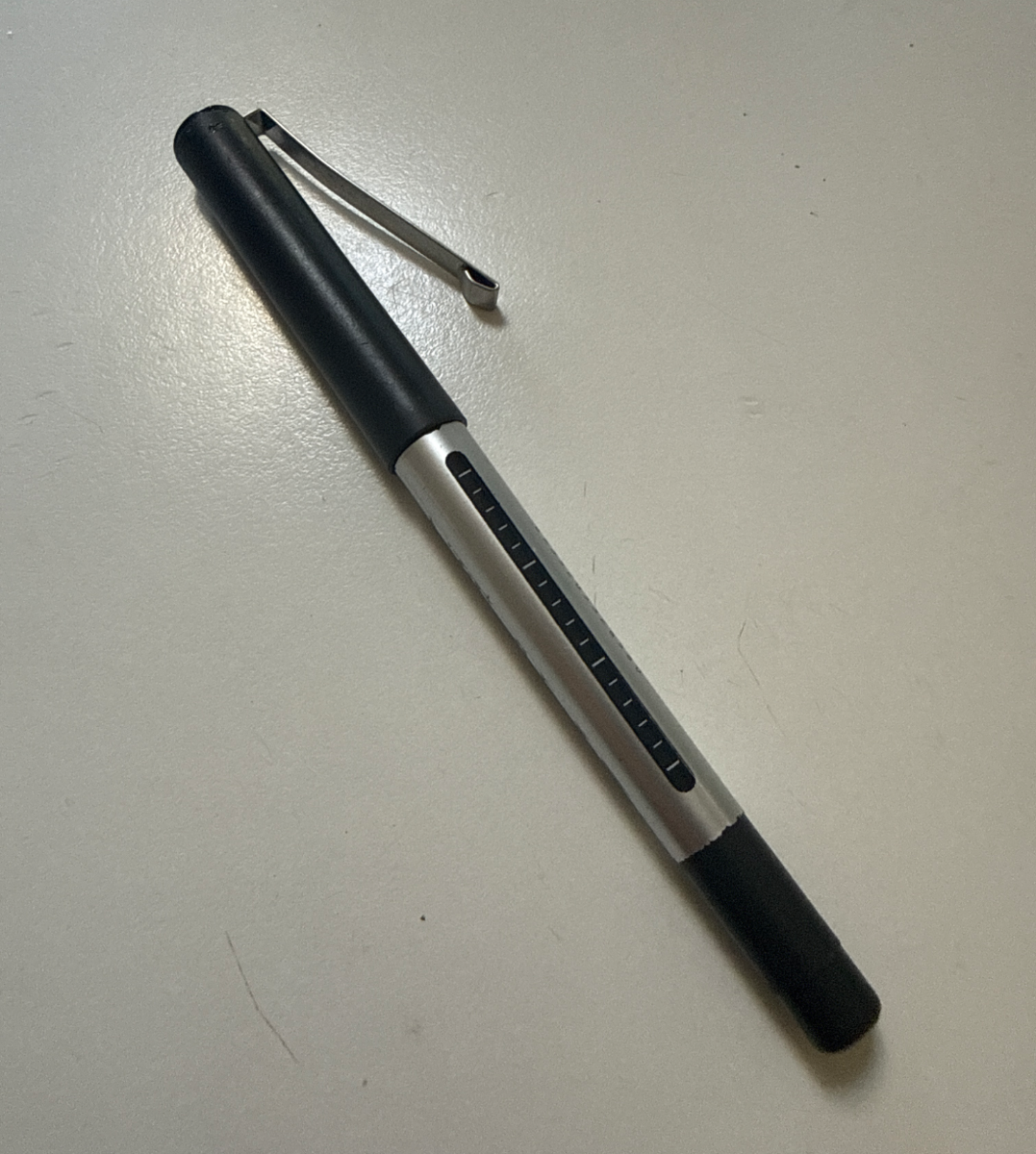
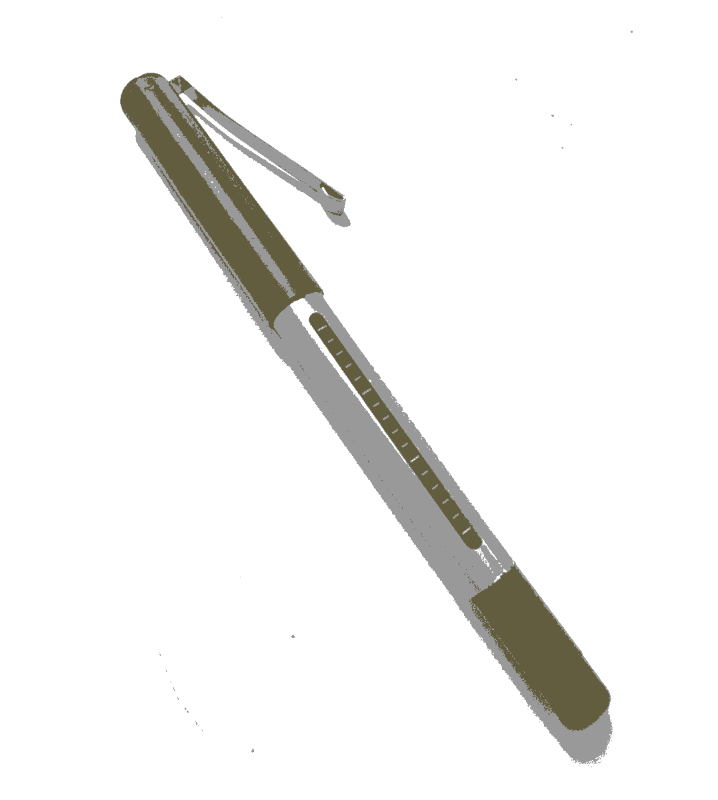
ここで作られたステンシル
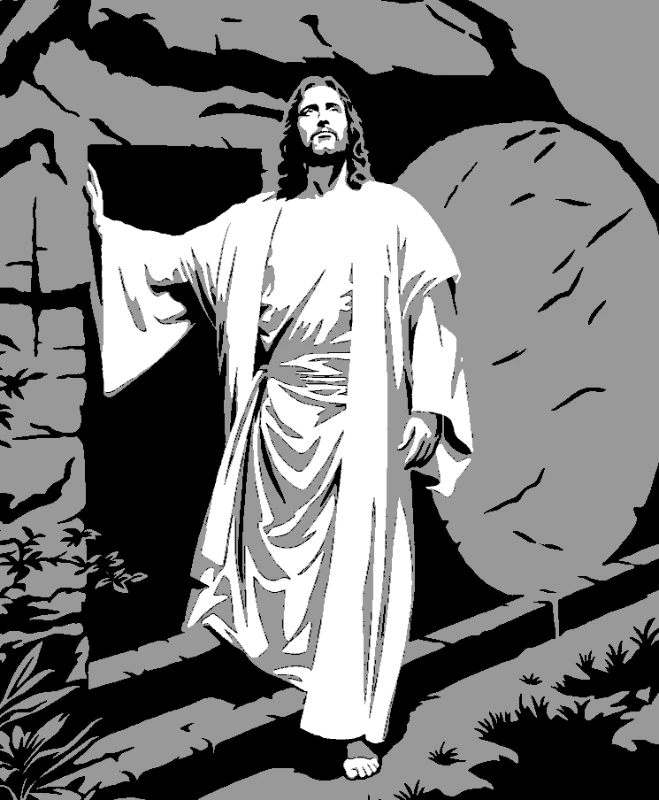
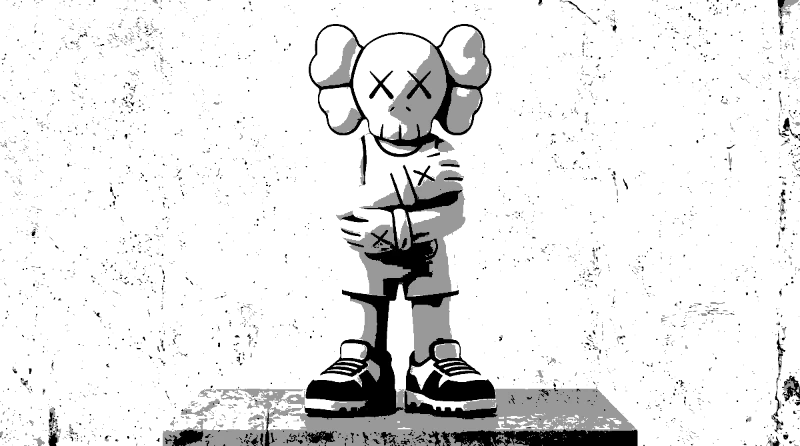
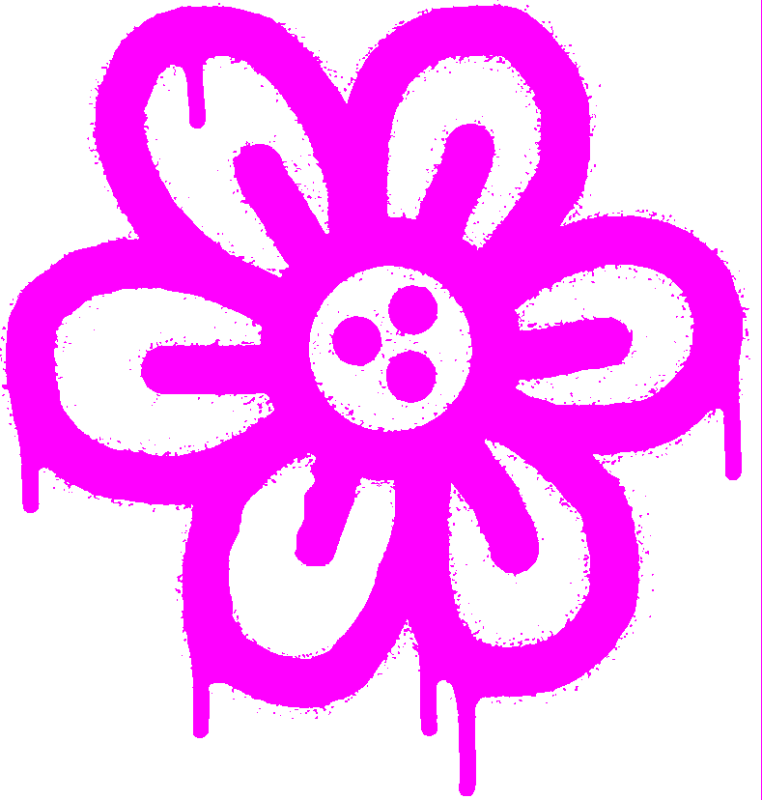
アーティストが当ツールで制作した実際のステンシル — ポートレートからフルカラー壁画まで。
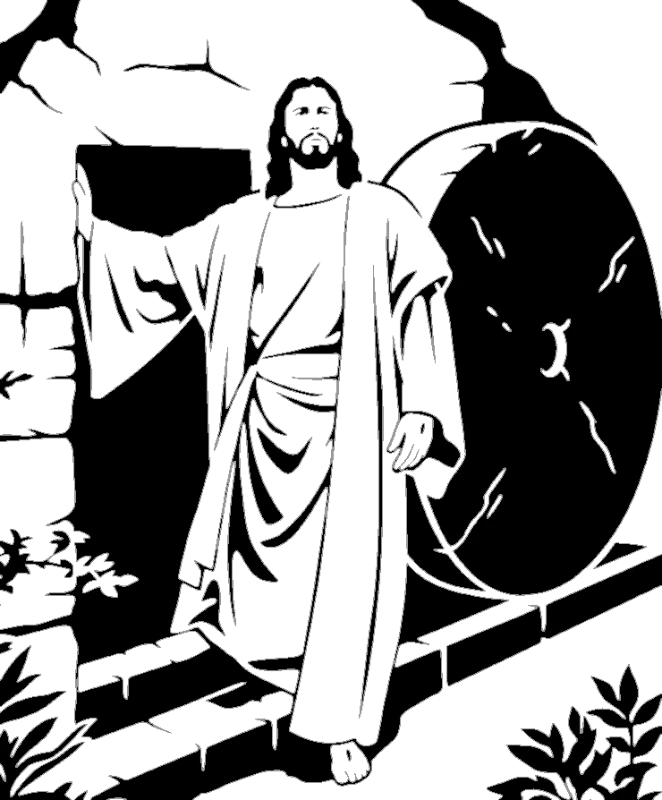
写真からステンシルまで4ステップ
Upload Your Image
Drag and drop any photo. Our system automatically optimizes it for crisp stencil creation — portraits, pets, logos, anything.
Automatic Layer Separation
Watch your image instantly split into perfectly aligned stencil layers with smart threshold detection.
Fine-tune & Bridge
Use familiar Photoshop-style shortcuts to perfect your layers. Our bridge tool eliminates floating pieces in seconds.
Export & Cut
Download print-ready files with registration marks for perfect alignment. PNG, PDF, SVG, or DXF — your choice.
必要な機能がすべて揃っています
ステンシル制作を難しくする問題を解決しました。浮遊パーツなし、複雑なレイヤーなし、学習コストなし。
Smart Bridges
Never worry about floating pieces again.
- Instant island detection
- Quick bridge tool
- See problem spots instantly
Multi-Layer Magic
Handle complex designs with ease.
- Smart layer separation
- Perfect alignment marks
- Real-time preview
Familiar Shortcuts
If you know Photoshop, you're already home.
- Ctrl+Z to undo
- Space+Drag to pan
- E for quick bridges
Pro Exports
Every format you need, ready to cut.
- PNG, PDF, SVG, DXF
- Registration marks
- Paper-saving layouts
よくある質問
無料オンラインステンシルジェネレーター
どんな写真やデザインからもステンシルを作成できます。当ステンシルジェネレーターは自動で色をレイヤーに分離し、スマートブリッジを追加してパーツが落ちないようにし、SVG、PDF、DXFのカット可能なファイルをエクスポートします。単層ステンシルでも多層カラー壁画でも、このツールがすべて対応します。画像をアップロードして数秒でステンシルを入手 — 完全無料。